

Studio 3T Desktop IDE – The fastest path from query to insight, for MongoDB and document databases
Studio 3T Desktop IDE gives developers and data engineers everything they need to query, explore, and extract data from MongoDB and other document databases. Faster, with fewer mistakes, and without switching between tools.
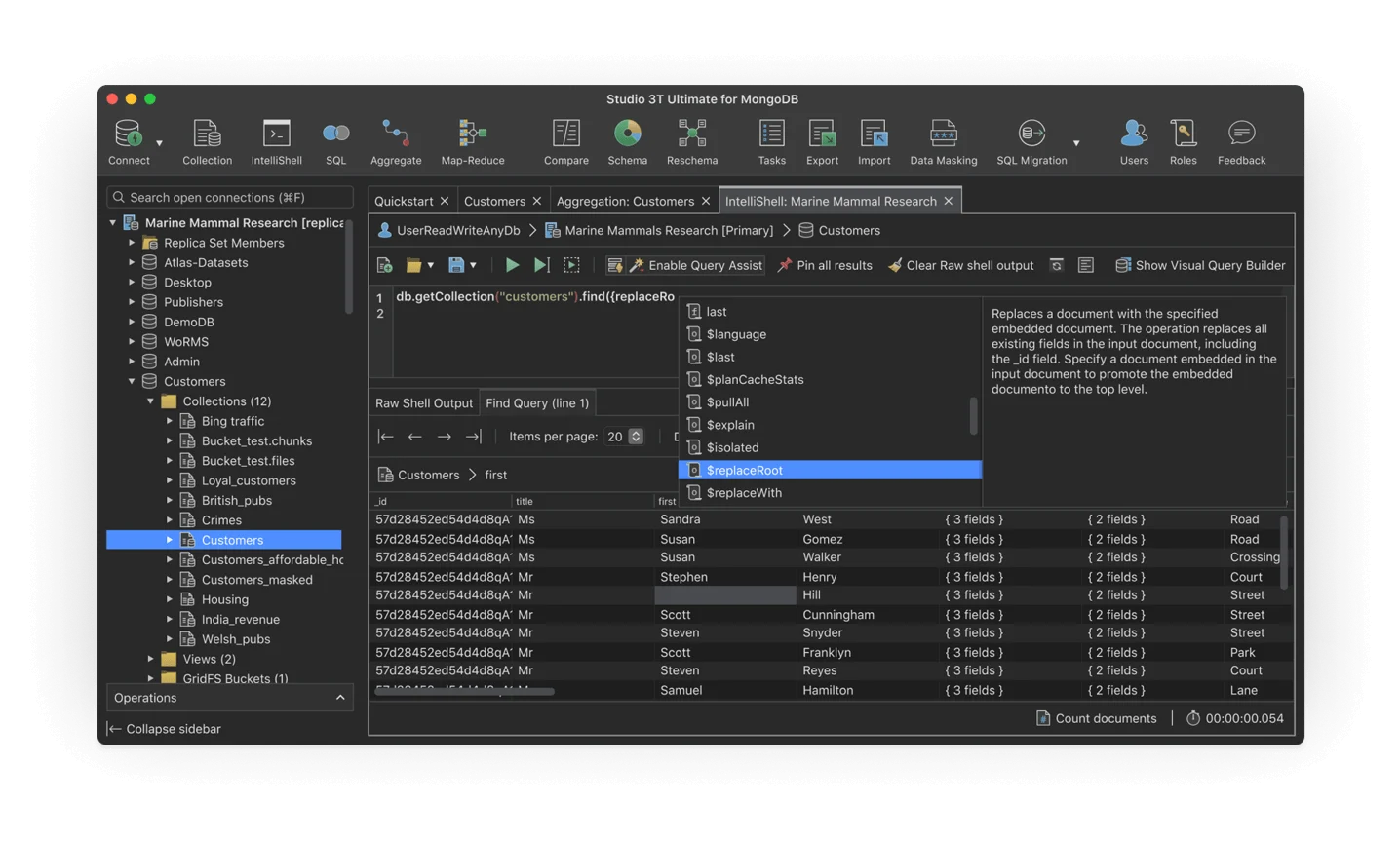
For developers & data teams
MongoDB is powerful, but as projects scale, querying, extracting, and managing data gets harder. Studio 3T Desktop IDE makes it easier, whether you’re a developer who needs to move fast or a team that needs everyone working from the same tools, with visibility across every environment.

Easily extract and transform data
Simplify complex, nested, or evolving schemas with visual tools and AI-assisted queries, and go from question to production-ready query faster.

Keep your whole team aligned
Share queries, save results, and keep developers, analysts, and stakeholders working from the same picture.

Fewer surprises in production
Catch issues early with schema insights, query validation, and clear visibility across your data.
Studio 3T Desktop IDE’s most popular features
Everything you need to get to insight faster with MongoDB and document databases.
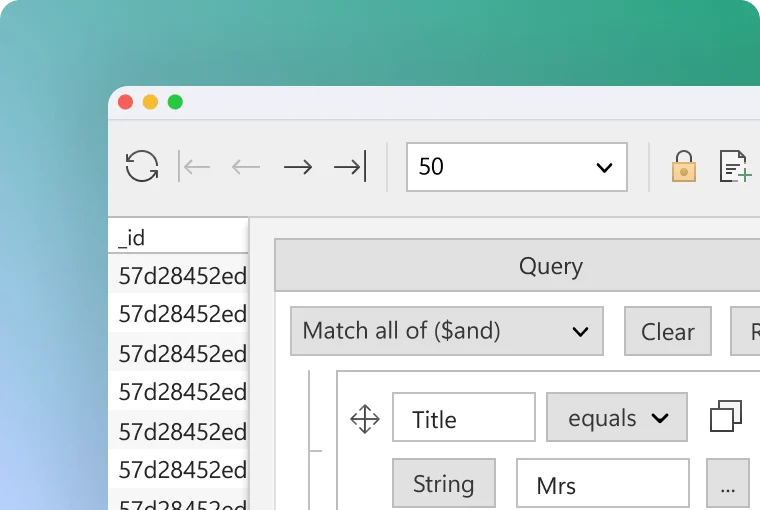
Visual Query Builder
Build queries by dragging and dropping fields, no MongoDB syntax knowledge required.
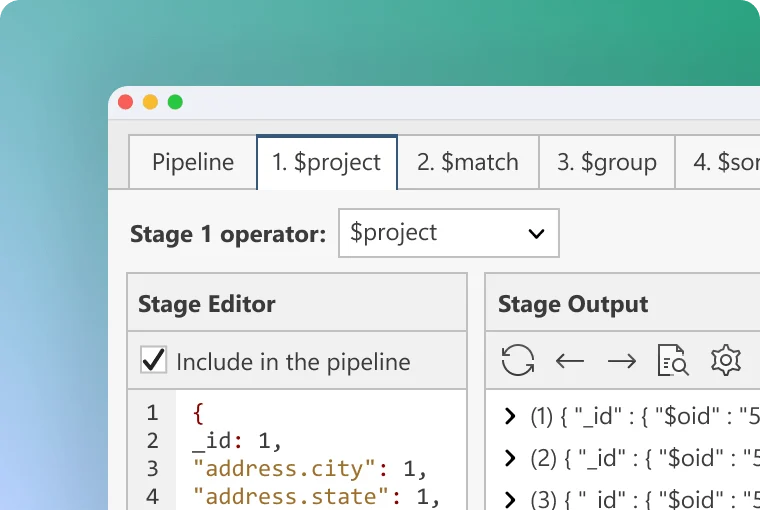
Aggregation Editor
Add, edit, and move aggregation stages, define operators, and check inputs and outputs at each step. Makes debugging straightforward and keeps your query accurate throughout.
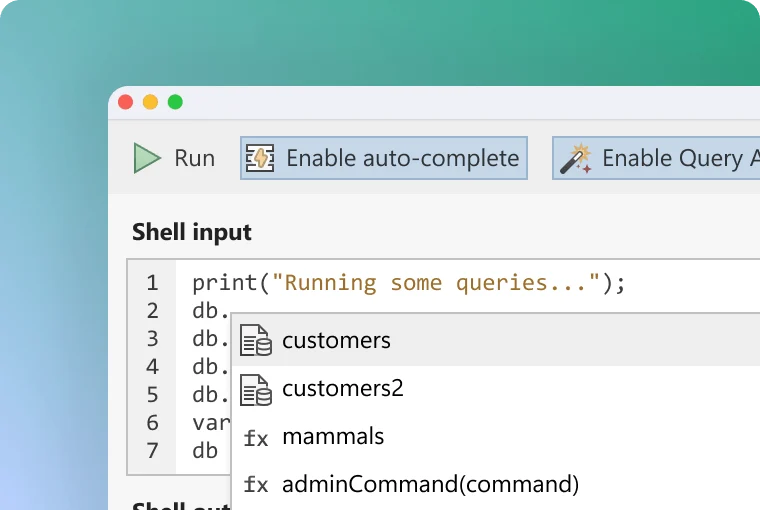
IntelliShell
A built-in mongo shell that auto-completes queries and reminds you of operator syntax. Includes in-place editing, Explain plans, and flexible views of results.
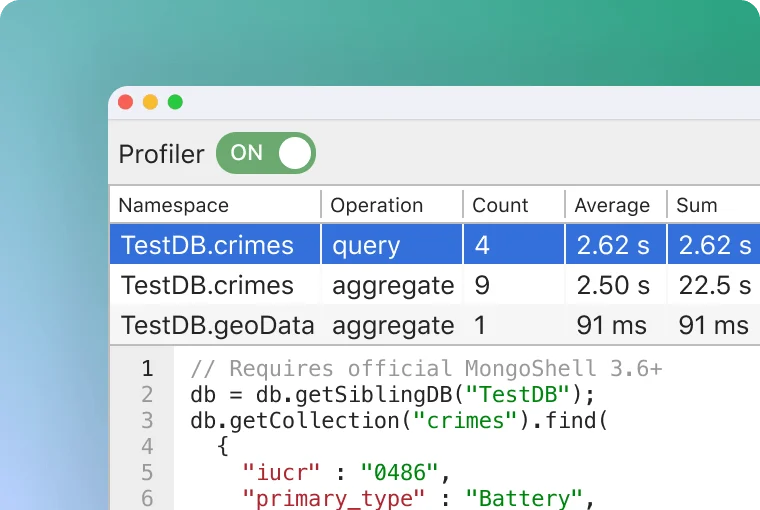
Query Profiler
Find slow-running queries fast. See how long each query took, when it ran, and how often.
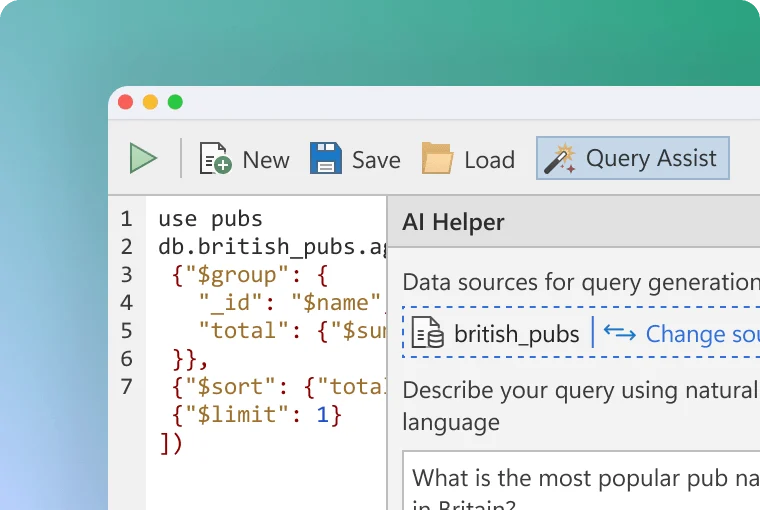
AI Helper
AI Helper is your AI assistant for MongoDB. Build MongoDB queries in plain English, even if you don’t know the syntax.
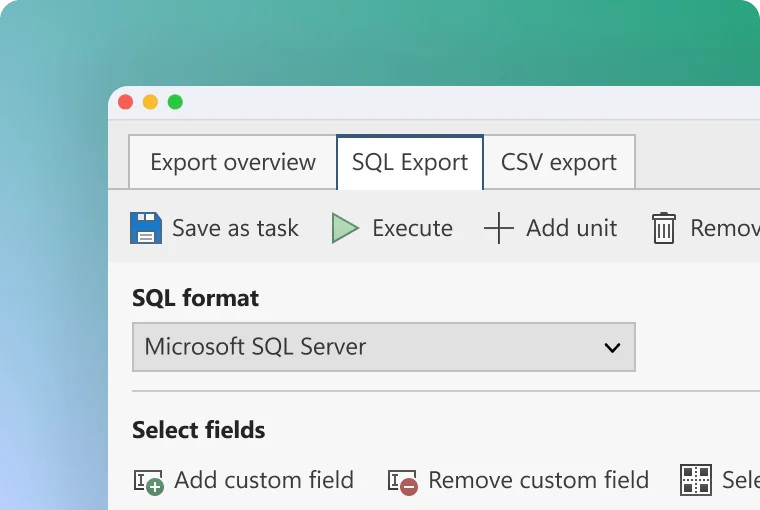
Export Wizard
Export collections, views, queries, or specific documents to CSV, JSON, BSON, SQL, or another collection. Fully configurable and batchable.
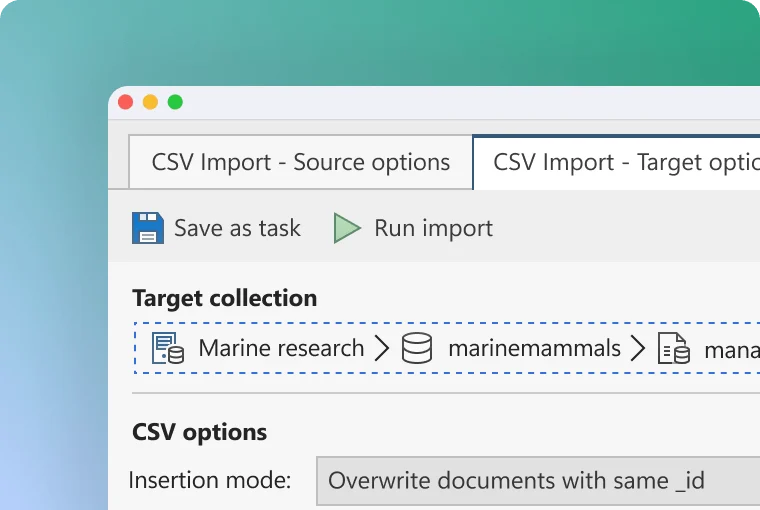
Import Wizard
Import JSON, CSV, BSON, SQL, or another collection into MongoDB in a few clicks.
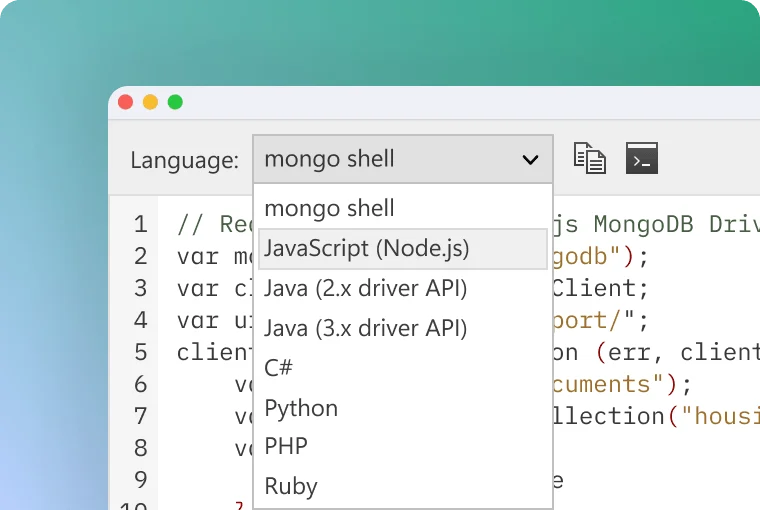
Query Code
Translate MongoDB queries into perfectly formatted JavaScript, Java, Python, C#, Ruby, or the mongo shell automatically.
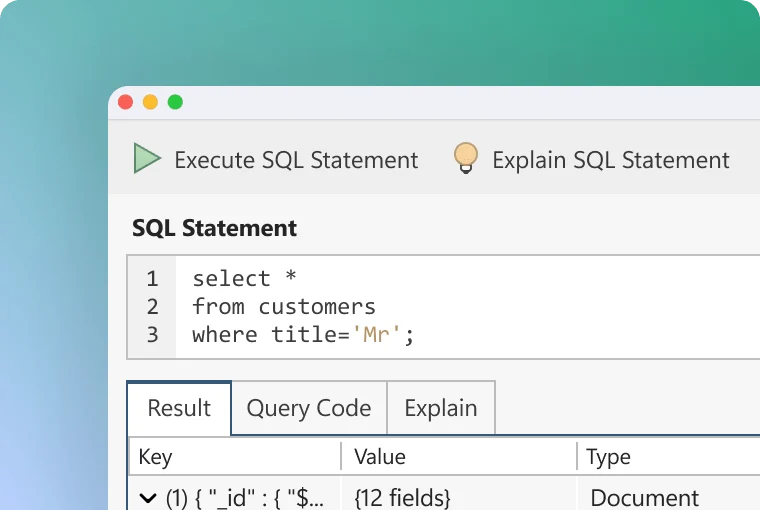
SQL Query
Write SQL to query MongoDB directly, including inner and left joins. Save and share queries as .sql files.
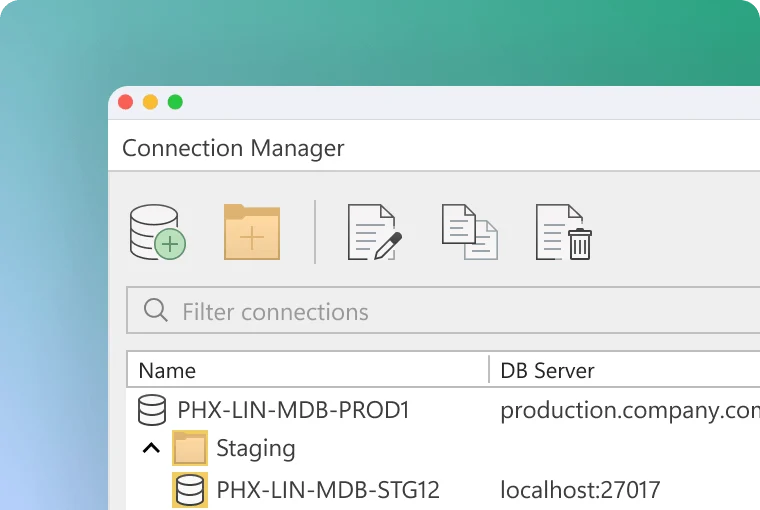
Connection Manager
Connect to as many MongoDB instances as you need. Supports SCRAM, X.509, Kerberos, OIDC, LDAP, SSH, SSL, and proxy settings.
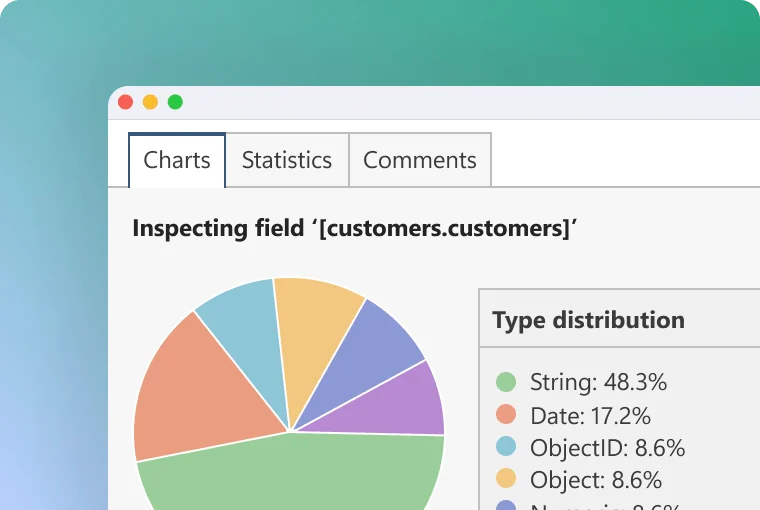
Schema Explorer
See your database schema and data distributions at a glance. Find anomalies, address outliers, and export schema documentation as a Word or CSV file.
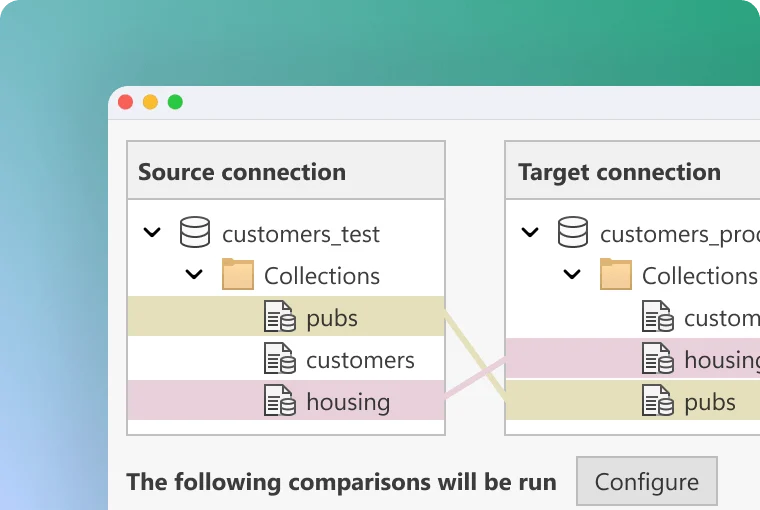
Compare
Compare whole collections with colour-coded highlights that make differences obvious at a glance. Or narrow down by configuring fields, document count, and more.
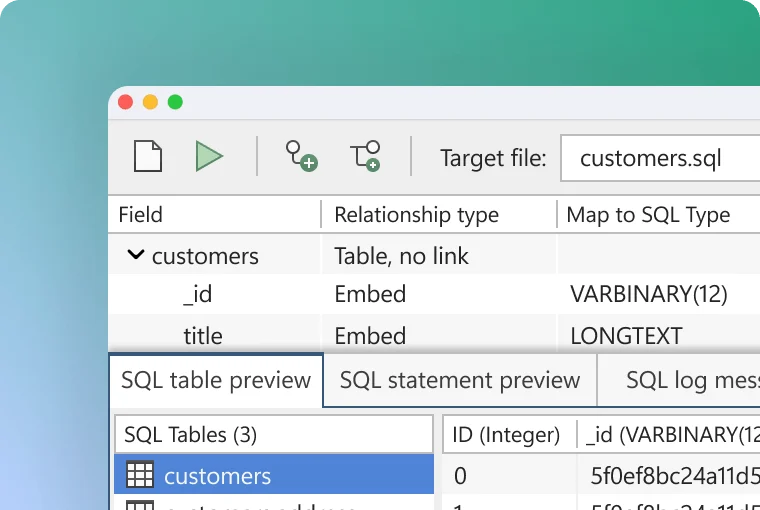
SQL Migration
Migrate between MongoDB and SQL databases while preserving data relationships. Supports MySQL, PostgreSQL, Oracle, Microsoft SQL Server, IBM DB2, and Sybase.
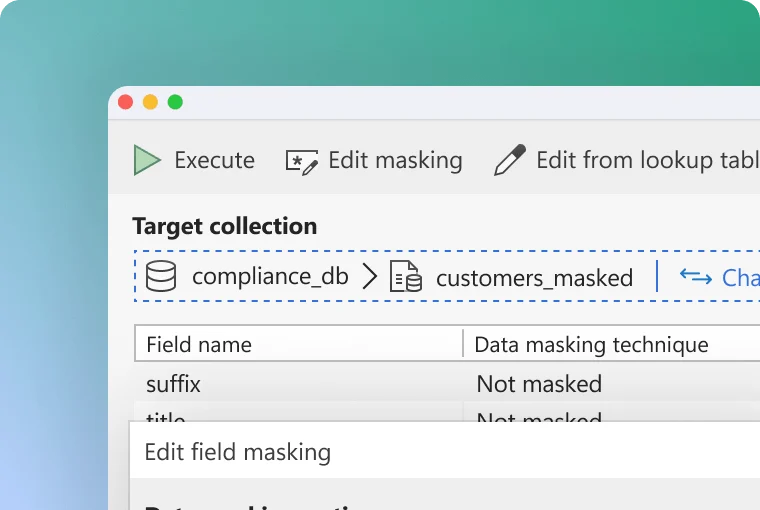
Data Masking
Enable data compliance and bolster security with powerful field-level data obfuscation. Choose from a variety of masking methods that let you anonymize each field and field type as needed.
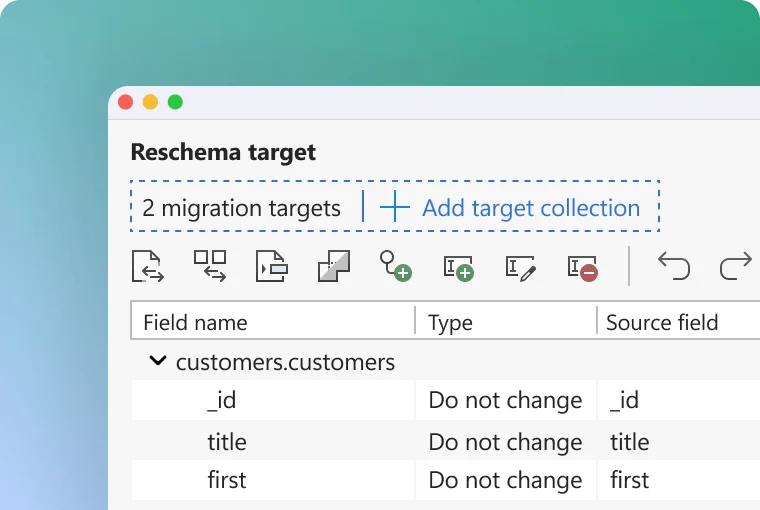
Reschema
Move an existing collection to a new schema in a few clicks, or tune up your current schema to improve performance. Easily add, delete, rename, reorder, flatten, and extract fields and arrays, without migration scripts.
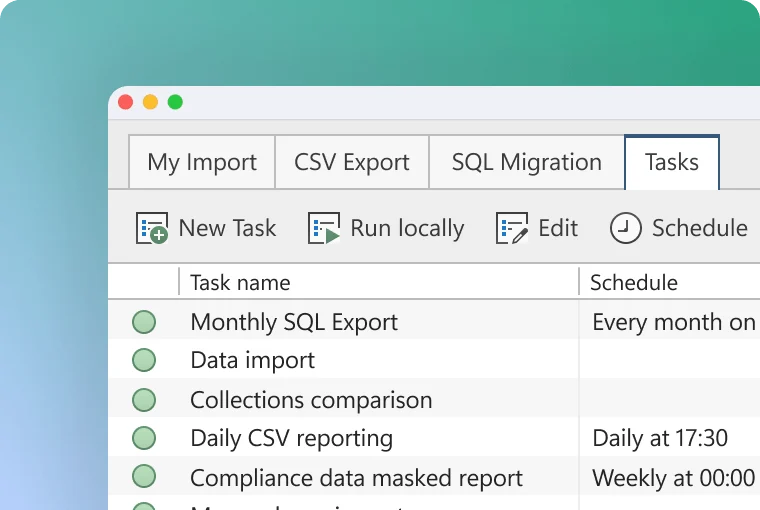
Task scheduler
Save frequently-run imports, exports, comparisons, migrations, and masking jobs to execute later. Or use the scheduling functionality to run them automatically at specified times, on your local device or your server.
Why data teams choose Studio 3T Desktop IDE
Studio 3T Desktop IDE was built for practitioners who need to get things done with MongoDB and document databases. Here’s why serious data teams choose it.

Get to the answer faster
Visual query tools, AI assistance, and aggregation editing mean you spend less time fighting syntax and more time getting insight. Whatever the schema, Studio 3T Desktop IDE gets you there faster.

Built for teams, not just individuals
Save and share queries, schedule recurring tasks, and keep transformation logic in a place the whole team can see and reuse. When someone leaves, the work stays.

Reduce mistakes
Spot schema inconsistencies, malformed queries, and performance issues before they reach production.

Work efficiently across environments
Manage multiple clusters, databases, and environments from a single workspace.
Studio 3T Desktop IDE Advantage
The fastest path from query to insight, and everything that makes it possible.
MongoDB Compass
Limited querying, no SQL support, and no task automation.
Studio 3T Desktop IDE
Full aggregation pipeline editor, SQL querying, visual query builder, task scheduler, and data masking — all in one IDE.
DataGrip
A general-purpose IDE with no MongoDB-native tooling — no visual query builder, no aggregation editor, no schema exploration.
Studio 3T Desktop IDE
Purpose-built for MongoDB and document databases — visual query building, aggregation editing, schema exploration, and SQL migration in a single workspace.
Bespoke scripts
Expensive to build, brittle, invisible to the organisation, impossible to audit.
Studio 3T Desktop IDE
Replace custom extraction and sync scripts with governed, scheduled, auditable workflows your whole team can access.
Real teams, real impact
In terms of impacting our operating costs, Studio 3T Desktop IDE is a tremendous time-saver. If we didn’t have Studio 3T Desktop IDE it would probably take ten times longer.
MARTIN ADAMEC, CTO, Datadock solutions
The fact is that without Studio 3T Desktop IDE’s SQL Migration tool it would have been impractical to run this development the way we have. It is a sheer pleasure to use.
RAND NIX, IT DIRECTOR, wakefield inspection services

