Tag: Studio 3T

What’s New in Studio 3T 2023.3 – AI for MongoDB

Introducing AI Helper for MongoDB, the AI assistant that builds queries for you. In Studio 3T 2023.3, IntelliShell is hooked up to OpenAI and you can ask a question and get an answer from your MongoDB database. The Headline Feature of Studio 3T 2023.3 AI Helper, the AI query builder, takes a question written by […]

What’s New in Studio 3T 2023.2 – Improvements to the Connections Sidebar

How do you know which database or collection you are working with? In Studio 3T 2023.2, the new connections sidebar tracks which one you are using and shows that node in the tree. We’ve also made it easier to clone collections between connections. You can copy and paste collections from one connection to another, and […]

Quality Assurance Roles at 3T: Key Traits

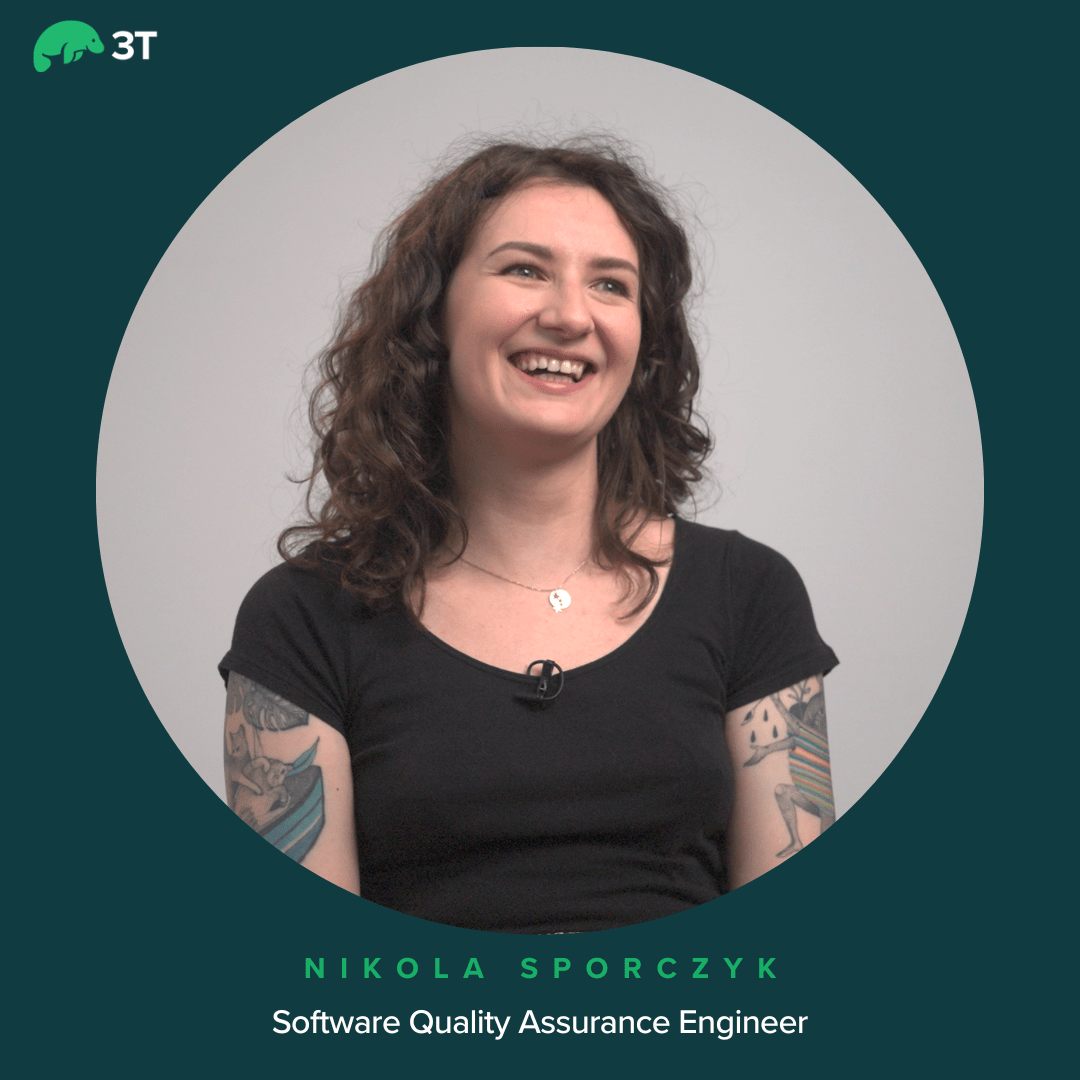
Interested in learning about Quality Assurance roles at 3T? Arijana Suman, 3T’s technical recruiter asked Nikola Sporczyk, QA Engineer, about her experience of working at 3T. Arijana then went on to ask Matt Werbin, Head of QA, about how quality assurance has evolved at 3T and what traits he looks for when hiring QA engineers. […]

What’s New in Studio 3T 2023.1 – New Year, New Look

Studio 3T 2023.1 is packed full of changes, changes we’ve made to make everything easier for you and let us prepare the ground for even more changes this year.  Headline Features of Studio 3T 2023.1 New Connection Sidebar The new connection sidebar revamps the sidebar as a tabbed view. On the left of the sidebar, […]

Studio 3T Certification: share your skills

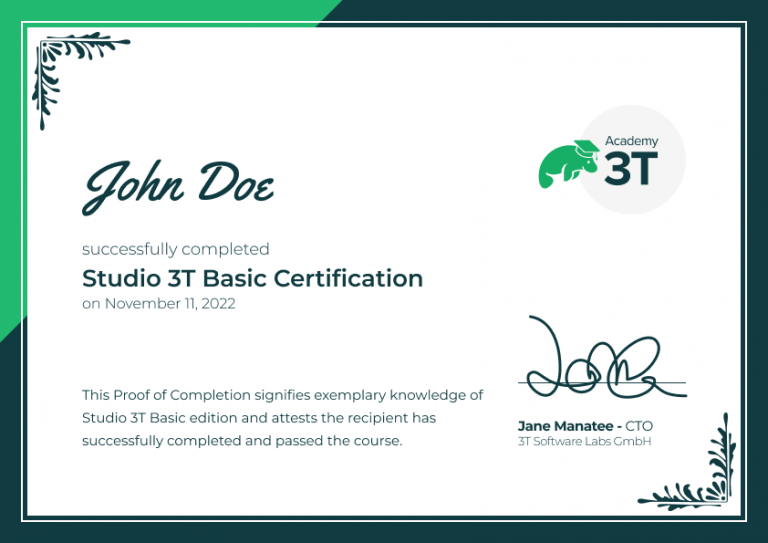
Certification is here giving you the chance to share your skills with the world. Last week, we rolled out our new integrated My 3T portal for all users, bringing together all the resources of Studio 3T with one easy login. We also introduced Certificates. You can get certified now with Studio 3T through the Academy […]

Studio 3T logo

Welcome to My 3T

We’re busy laying the foundations for a busy 2023 at Studio 3T. My 3T is one of those foundations. If you’re reading this on Studio 3T, it’s new in the navigation bar at the top of the page. It replaces the old “My License” link with a whole new portal that’s bringing together the 3T […]

Work and Life at Studio 3T: Rico Dittrich

What makes a Studio 3T person work at Studio 3T? We sat down with Rico Dittrich, Software Engineering Team Lead to talk about how he came to Studio 3T three years ago and how his working life has evolved. Dj: Every story needs a beginning, so how did you start at Studio 3T? Rico: My […]

The Pitch Day Team - Organisers and Hosts

Pitching For All At The 3T Pitch Day

We’re always looking for the best ideas at Studio 3T. And we’re always looking for new ways to find those best ideas. That’s why we recently had our first “Pitch Day”, a day dedicated to getting ideas not just in front of managers but in front of the whole company, founders included.  How It Started […]

Studio 3T logo

How do I analyze the schema of some of my documents. #Studio3T_AMA

Q: I have a collection with assorted documents, but I only want to analyze the schema of documents that have a particular field. How can I do this with Studio 3T and are there any shortcuts? A: If you run the Studio 3T Schema Explorer tool, you will notice that there is a field labeled […]

A Look At Studio 3T Tools in 2022

How have Studio 3T Tools made your life easier in 2022? Well, we’ve been tuning up the tools in Studio 3T over the past year and thought we’d talk about those bigger changes and what they mean to you, how they could save you time or more…. Shell Power! The IntelliShell is core to Studio […]